How to use the Support information collecting tool
日本語
- Click on the button below to download “Support information collecting tool” and save it.
Download
- Unzip the downloaded file.
- Double-click the ctinfotool.exe.
NOTE: If acquire more detailed information, choose “Run as administrator” from a right-click menu.
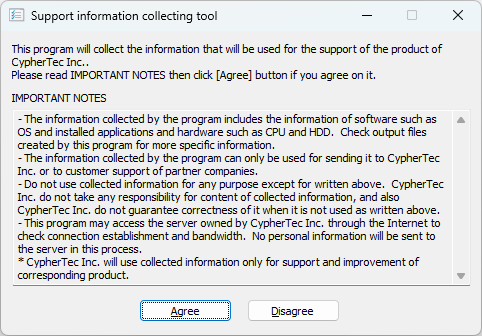
- Read the notes and select “Agree“.
NOTE: If do not want to acquire the information, select “Disagree“.
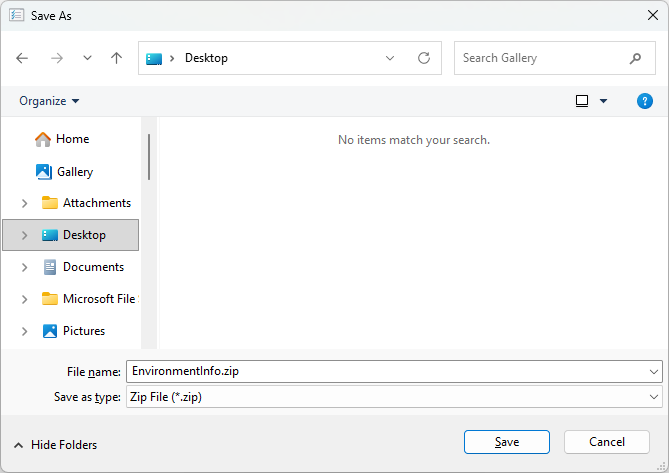
- Specify a file save location and filename, then click “Save“.
NOTE: “EnvironmentInfo.zip” is a default filename.
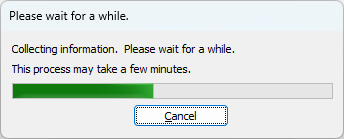
- Wait for a while until the information acquisition is completed.
- The data is typically output in ZIP format, but on older operating systems or in certain environments, the ZIP file may fail to generate. In this case, the following message will appear, and the retrieved information will be saved as a text file.
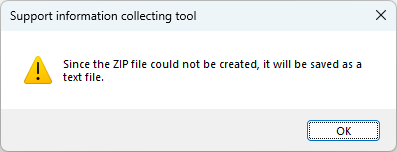
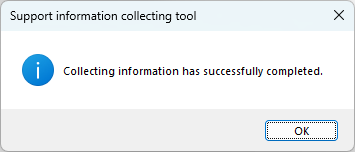
- When the acquisition of the information is complete, click “OK” and finish the program.
- Send the file as it is to the support center if it is already a ZIP file; otherwise, if it is a text file, compress it using a tool like ZIP before sending.
当サイトでは利便性向上や閲覧の追跡のためにGoogle・他提携サービスによりCookieが使用されています。サイトの閲覧を続けた場合Cookieの使用に同意したことになります。
同意します プライバシーポリシー プライバシーポリシー